
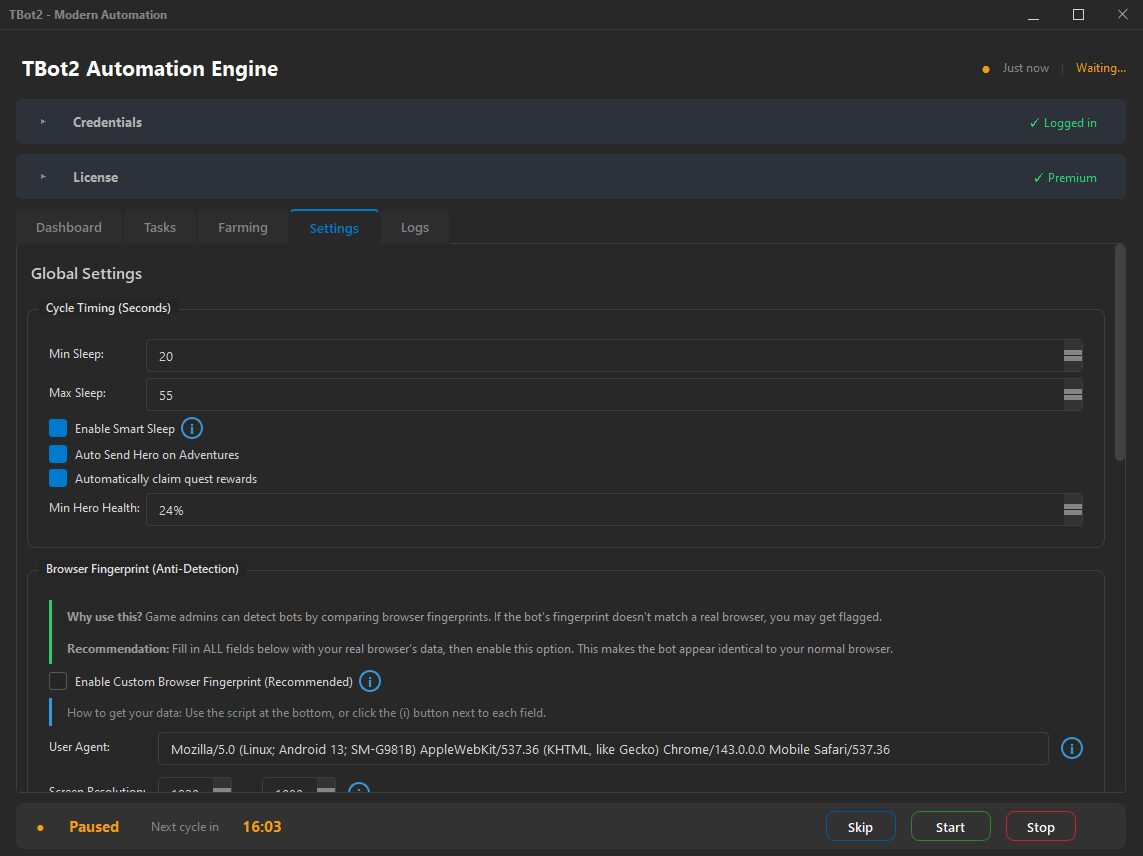
Настраиваемое расписание сна
Определите окно сна — например, с 23:00 до 7:00 — и TBot2 полностью засыпает. Никаких действий, загрузок страниц, никакой активности. Аккаунт показывает тот же тихий период, что и любой настоящий игрок во время сна.
Естественное время пробуждения
TBot2 не просыпается в одно и то же время каждый день. Времена пробуждения включают настраиваемую рандомизацию — бот возобновляет работу в слегка разное время. Одни дни раньше, другие позже — как будильник реального человека.
Несколько окон сна
Реальная жизнь — не одно окно сна. Настройте несколько периодов отдыха — дневной сон, обеденные перерывы, время хобби. TBot2 поддерживает несколько окон в день, создавая богатые дневные паттерны.
Экстренное пробуждение
Критические события могут обходить расписание сна. Если произошло что-то срочное — возврат войск или завершение критического здания — TBot2 может кратковременно проснуться, обработать событие и вернуться ко сну. Как игрок, заводящий будильник на важные игровые события.
Учёт часового пояса
Периоды сна уважают настроенный часовой пояс. Если имитируете европейского игрока — бот спит в европейские ночные часы. В сочетании с локацией прокси это создаёт полностью согласованную географическую идентичность.