
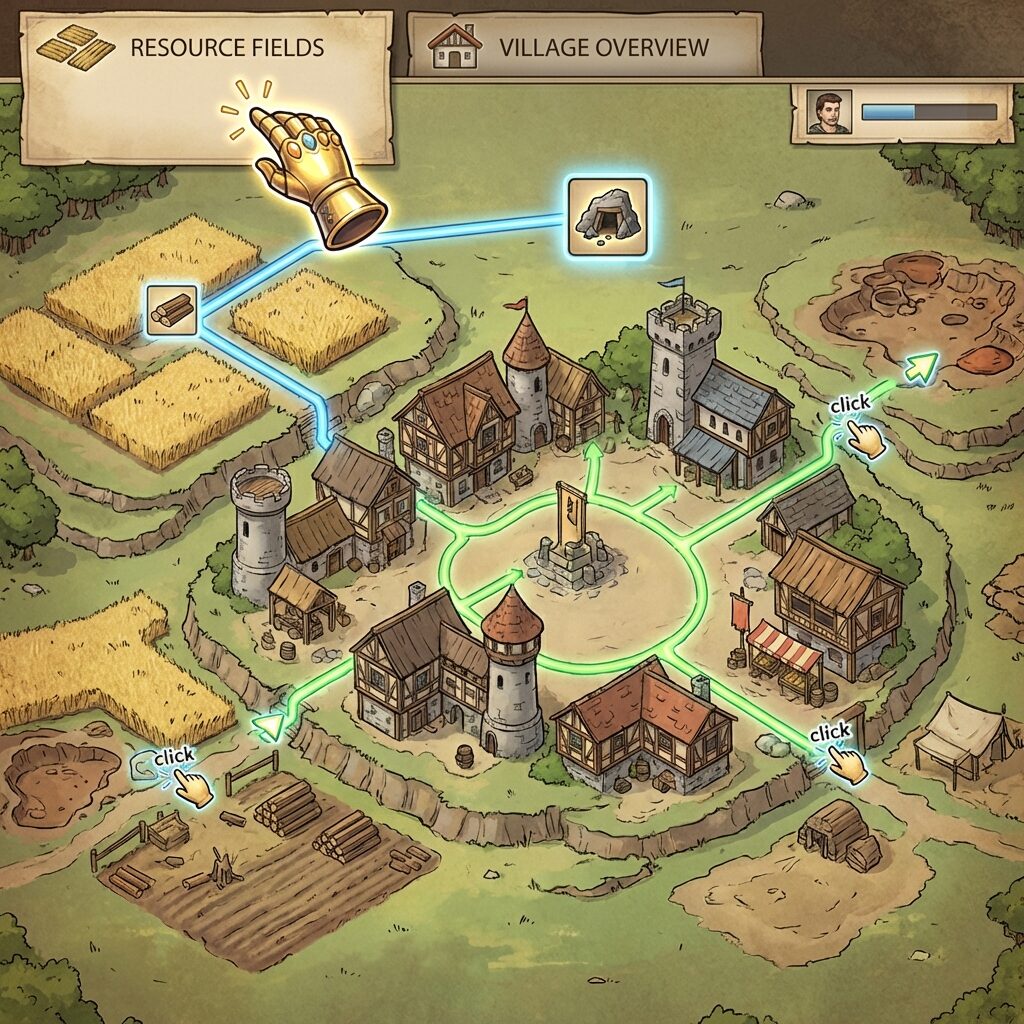
Hub-Based Navigation
This is the core philosophy behind how TBot2 moves around. Just like you naturally go to your village overview before clicking on a field to upgrade, TBot2 always routes through your village hub first. It navigates the same way you would, by clicking through the interface.
Smart Location Awareness
TBot2 always knows where it is. Before taking any action, it checks the current page, whether that's your resource overview, village center, hero page, or a building menu. This awareness means it can make smart decisions about the shortest, most natural path to get where it needs to go.
Intelligent Path Selection
Before any upgrade or action, TBot2 figures out the best route. Already on the right page? It does nothing. On the village center but need resources? It clicks the Resources tab. In a completely different village? Only then does it use direct navigation. Every decision mimics how you'd actually play.
Click-Based Interactions
When TBot2 needs to access a field or building, it finds the element on screen and clicks it, just like you would. It adapts to different Travian versions and interface layouts, preferring natural mouse interactions.
Reliable Page Transitions
Page loads can be slow or unpredictable. TBot2 handles this gracefully by monitoring the page after each click, waiting for the new page to fully load before continuing. No rushing, no broken actions, just smooth navigation.
Returning Home
After completing an action like starting an upgrade, TBot2 returns to your village hub. This resets the navigation state and prepares for the next task. It's exactly what you'd do: finish the upgrade, go back to the overview, and see what's next.
Multi-Village Travel
Switching between villages is one of the few cases where direct navigation is needed. But even then, TBot2 makes it natural by landing on the appropriate overview page rather than some random building. Every action stays realistic.